Chrome on Mac
How to use Chrome Tab Search on a Mac
The quick answer
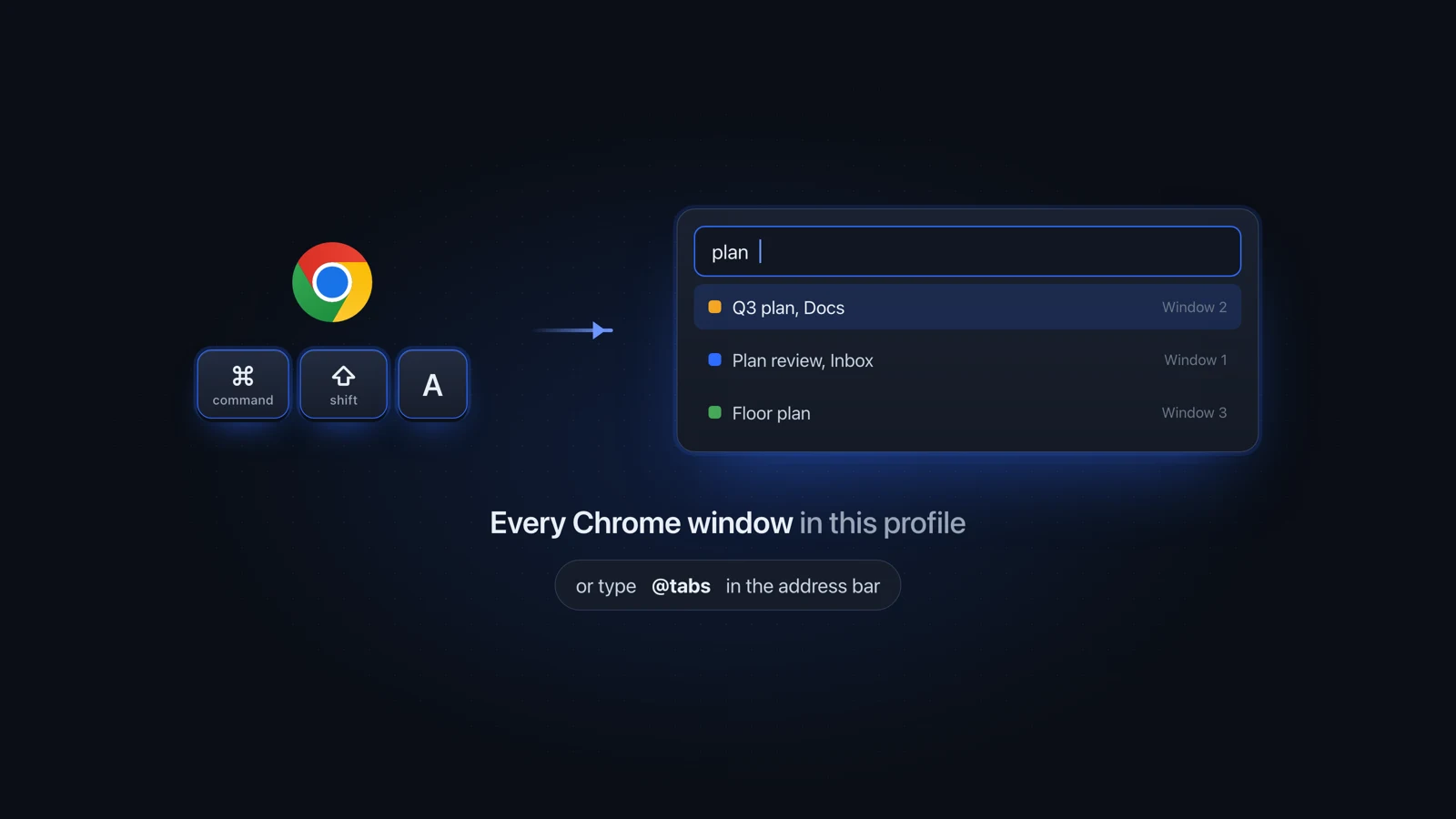
To use Chrome Tab Search on a Mac, press Command-Shift-A in a Chrome window, type part of the tab's title, and pick it from the list. You can also type @tabs in the address bar or click the Tab Search button. It covers every Chrome window in your current profile. Other profiles and browsers are left out.
Julien Schweter Updated 6 min read
The short version
- Command-Shift-A opens Chrome's Tab Search when Chrome is the app in front.
- Typing @tabs in the address bar searches your open tabs too.
- It lists the tabs in every window of one Chrome profile, plus recently closed ones.
- If the button is gone, turn on "Show tab search button" in Settings, Appearance.
- It never sees tabs in another Chrome profile, or in Safari or Firefox.
The shortcut is Command-Shift-A on a Mac and Ctrl+Shift+A on Windows.
-
Click any Chrome window
It is Chrome's shortcut, so Chrome has to be the app in front.
-
Press Command-Shift-A
A list opens with your open tabs at the top and recently closed tabs below them.
-
Type a few letters
A word from the page title or the site name narrows the list as you type.
-
Pick the tab
If it is in another Chrome window, Chrome brings that window forward. Clicking the close icon at the right of a row closes that tab instead.
Chrome gives you a shortcut, an address bar keyword and a button. All three search only the profile you are in.
| Item | How | Best when | What it lists |
|---|---|---|---|
| Keyboard shortcut | Command-Shift-A | Your hands are already on the keys | Open tabs in every window of this profile, then recently closed ones |
| Address bar | Type @tabs, then Tab or Space | You are about to type a web address anyway | Your open tabs, as suggestions under the address bar |
| Tab Search button | Click its icon in the tab strip | You would rather use the mouse | The same list as the shortcut |
The address bar route, step by step:
-
Press Command-L to jump to the address bar
Clicking the address bar works too. Command-L is on Google's list of Chrome keyboard shortcuts.
-
Type @tabs
-
Press Tab or Space
Or choose "Search tabs" from the suggestions.
-
Type a keyword and choose the tab
By default the Tab Search button is pinned to the tab strip, Google's help says. With vertical tabs turned on, it has a different icon.
Chrome Tab Search button missing? Most likely it was unpinned, which takes one right-click and "Unpin". Settings brings it back:
-
Click the three dots at the top right of Chrome
-
Choose Settings
-
Choose Appearance on the left
-
Turn on "Show tab search button"
Chrome's Tab Search only sees one Chrome profile, and nothing outside Chrome.
- It only sees the profile you opened it from. Chromium's Tab Search code tracks that profile's windows alone, so your work tabs stay hidden while you search from your personal profile.
- Tabs in Safari, Firefox or any other browser never show up.
- You have to be in Chrome to open it. While Mail or Slack is in front, Command-Shift-A goes to that app.
- Results are titles and site names, with no picture of each page.
For how Safari and Firefox search their own tabs, and how the three compare, see how to find any open tab on your Mac.
Usually another app is in front, the button was unpinned, or the tab is open somewhere Tab Search does not look.
| Item | Likely cause | Fix |
|---|---|---|
| The shortcut does nothing | Another app is in front | Click a Chrome window, then press it again |
| The button is gone | It was unpinned | Settings, Appearance, "Show tab search button" |
| The icon looks different | Vertical tabs are on | Nothing to fix. Tab Search has a different icon there |
| An open tab is not in the list | It is in another profile or browser | Go to that window, or use a Mac-wide switcher |
To get to a window of your other profile first, see how to switch between Chrome windows on a Mac.
Chrome's Tab Search only sees Chrome tabs, so a search that also covers Safari and Firefox has to start outside the browser.
To compare it with other tools first, see tab switchers for Mac, by browser.
Questions people ask
What is the shortcut for Chrome tab search on Mac?
Command-Shift-A. Press it in any Chrome window and the Tab Search list opens, with your open tabs first and recently closed ones below. Type a word from the page title or the site to narrow it down, then pick the tab. Chrome has to be the app in front for the shortcut to work. On Windows and Linux it is Ctrl+Shift+A.
Where did the tab search button go in Chrome?
Google's help says the Tab Search button is pinned to the tab strip by default, and that it has a different icon when vertical tabs are on. If it is not there, it was probably unpinned. Open the three-dot menu, choose Settings, then Appearance, and turn on "Show tab search button". You can also skip the button and press Command-Shift-A.
Does Chrome tab search search all windows?
Yes, within one profile. Chrome's Tab Search lists the tabs of every regular Chrome window that belongs to the profile you opened it from, and choosing a tab in another window brings that window forward. Windows of a different Chrome profile are left out, so a tab open in your work profile won't appear while you search from your personal one.
Why can't Chrome tab search find a tab I have open?
Usually the tab is open somewhere Tab Search does not look: in a window of another Chrome profile, or in a different browser such as Safari or Firefox. Tab Search only covers the profile you opened it from. Switch to a window of the other profile and search again there, or use a switcher that reads tabs from outside the browser.
How do I search tabs in Chrome without the shortcut?
Use the address bar. Click it or press Command-L, type @tabs, then press Tab or Space, or choose "Search tabs" from the suggestions. Type a keyword and the matching open tabs appear as suggestions you can select. If you would rather use the mouse, the Tab Search button in the tab strip opens the same list as the shortcut.
Can I search Chrome and Safari tabs at the same time?
Not with Chrome's own tools. Chrome's Tab Search only sees Chrome tabs, so anything open in Safari or Firefox is left out. Better Window Switcher searches Chrome, Safari and Firefox tabs together, plus Brave, Edge, Vivaldi and Opera, from any app on Option-Tab. It is a one-time purchase with a 7-day free trial and needs macOS 14 or later on Apple Silicon.
How do I turn off tab search in Chrome?
You can hide the button. Right-click the Tab Search button and choose Unpin, and it leaves the tab strip. To bring it back later, go to Settings, then Appearance, and turn on "Show tab search button". Google's help does not describe a way to turn off the Command-Shift-A shortcut itself.
Checked on Chrome 153 and macOS Tahoe 26.
Read next
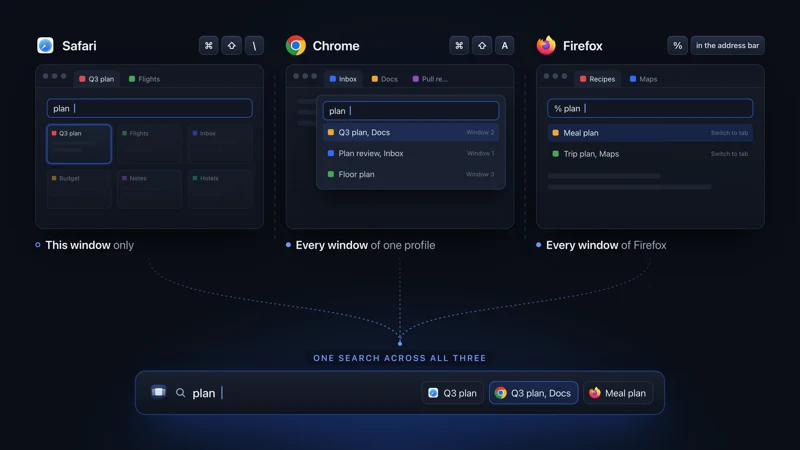 Tabs on Mac See all open tabs on a Mac How to see all open tabs on a Mac: Command-Shift-A in Chrome, % in Firefox, Tab Overview in Safari, and what to use when your tabs span several browsers.
 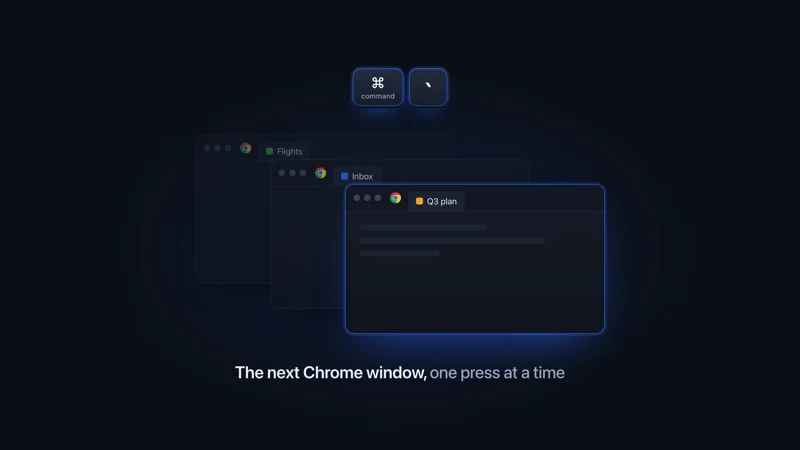 Chrome on Mac Switch between Chrome windows Switch between Chrome windows on a Mac with Command-backtick, the Window menu or App Exposé. Find the key on a non-US keyboard and name each window.
 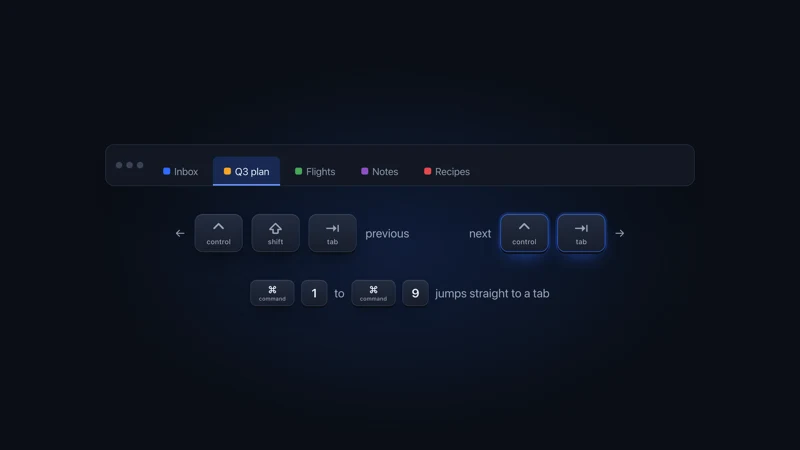 Tabs on Mac Every tab shortcut on a Mac How to switch tabs on a Mac in Safari, Chrome, Firefox, Edge, Brave and Arc: next and previous tab, tab by number, last used tab, from each maker's docs.
 - Comparison vs TabTab Deep tab coverage vs a 3D scene with nothing held back.
More comparisons
Compare to other popular apps